 QuickCopy AI
Select text
Highlight anything on the page — or open the panel for full-page context.
QuickCopy AI · Chrome extension
Shop smarter, apply faster, or summarize and reply on Gmail, Slack, and LinkedIn — without leaving your tab.
How it works
Highlight anything on the page — or open the panel for full-page context.
QuickCopy suggests the best assistant actions for Gmail, docs, shopping, and more.
Review the output, regenerate if needed, and paste or insert in one click.
Use cases
QuickCopy adapts its actions to shopping, job applications, Gmail, docs, chat, and every other site — like a helper that already knows where you are.
QuickCopy reads thread context on Gmail and Outlook, then drafts professional or casual replies, summaries, and action items.
Gmail · Outlook

Docs & notes
Tighten tone and clarity in Google Docs, Notion, and Confluence. Shorten, translate, or rewrite selected paragraphs.
Google Docs · Notion · Confluence

Team chat
Draft quick responses in Slack and Microsoft Teams with the right tone — professional when it matters, concise when you're in flow.
Slack · Microsoft Teams

Social
Rewrite posts and comments, tighten phrasing, and keep your voice consistent across social platforms.
LinkedIn · X · Reddit

Shopping
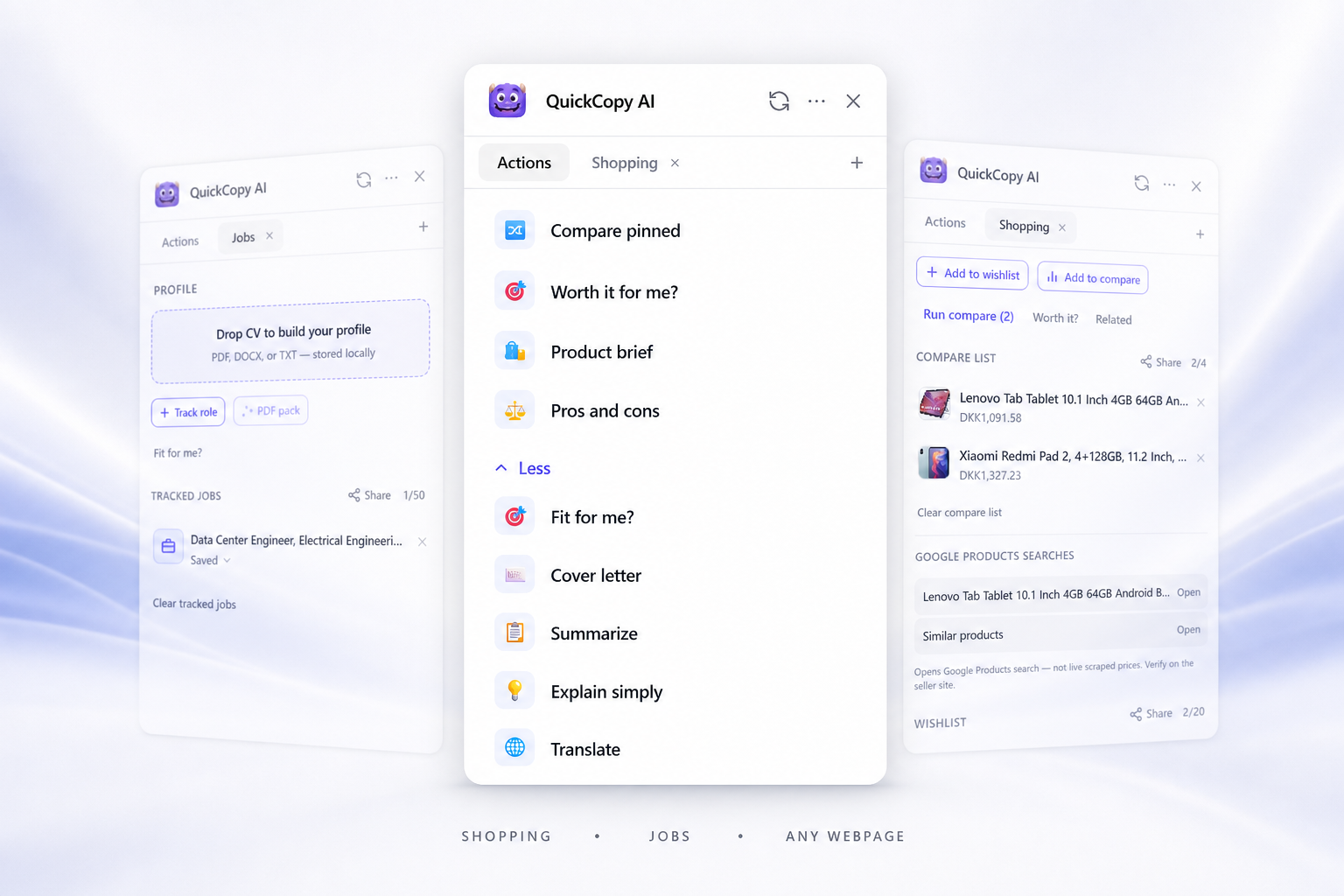
On Amazon, eBay, Etsy, and more — get a product brief, balanced pros and cons, red flags, before-you-buy questions, pin products to compare, or search elsewhere — from the page you're already viewing.
Amazon · eBay · Etsy

Jobs
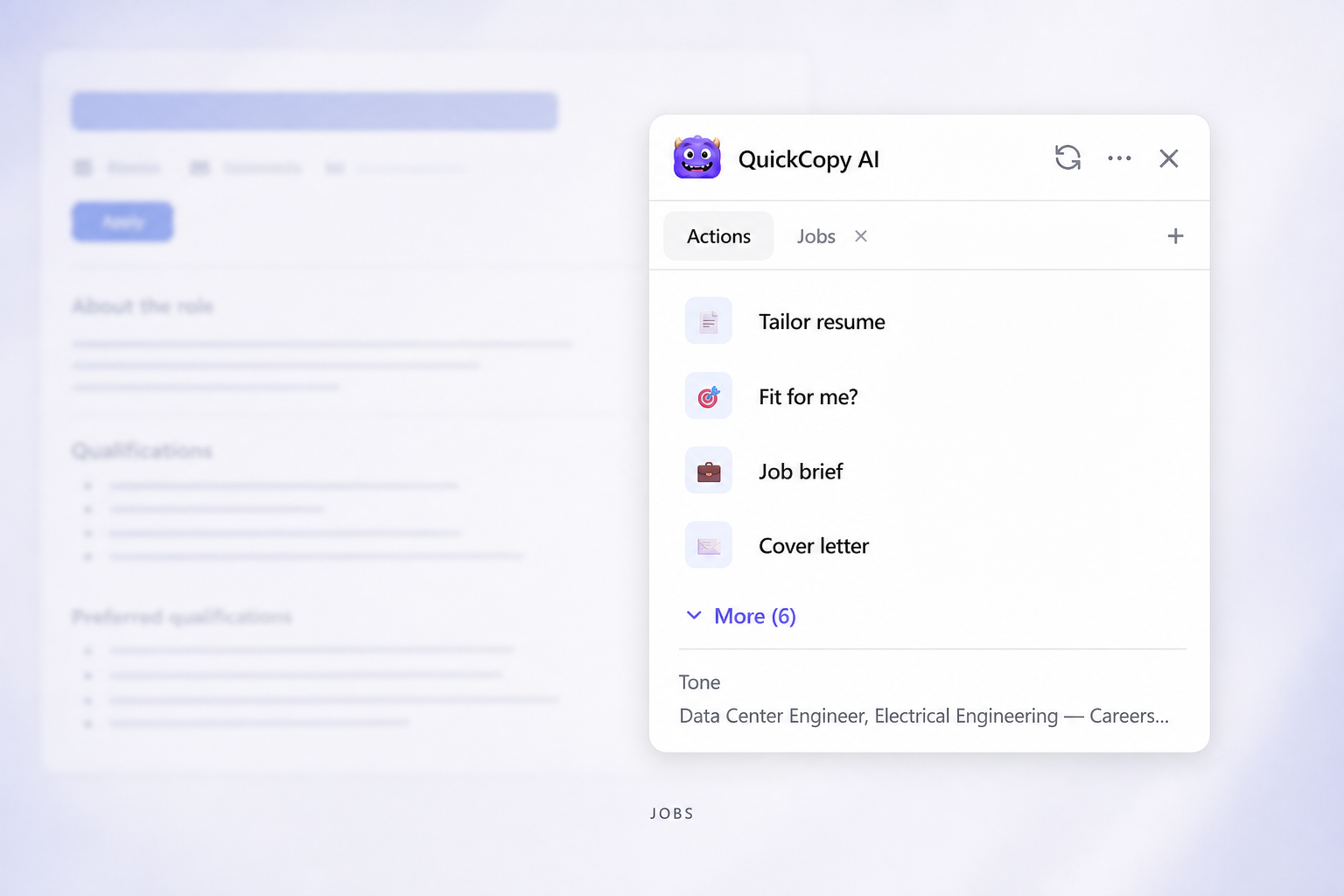
On LinkedIn and career sites — score fit against your profile, draft cover letters and tailored resumes, and keep applications organized in a shareable tracker.
LinkedIn · Indeed · Greenhouse
Any webpage
Summarize long reads, explain complex paragraphs, or translate selected text on any site — no copy-paste into another app.
Any website

Features
A minimal assistant button on every page. Ctrl+Shift+K opens the full action panel.
Select text and get explain, summarize, and translate in a lightweight bar.
Map your top 3 actions to Ctrl+Shift+1–3 from the extension popup.
Revisit recent results and regenerate without starting over.
Go deeper: Shopping tools · Job tools
Pricing
Free
$0 / month
ProSave 20%
$7 / month
$9/mobilled yearly at $86
Install the Chrome extension, sign in once, and let QuickCopy help on every page.
FAQ