 QuickCopy AI
テキストを選択
ページ上のテキストを選択。全体コンテキストならパネルを開きます。
Chrome 拡張機能
Shop smarter, apply faster, or summarize and reply on Gmail, Slack, and LinkedIn — without leaving your tab.
使い方
ページ上のテキストを選択。全体コンテキストならパネルを開きます。
QuickCopy が Gmail・ドキュメント・ショッピングなどに最適なアクションを提案します。
出力を確認し、必要なら再生成。ワンクリックでコピー/挿入できます。
活用例
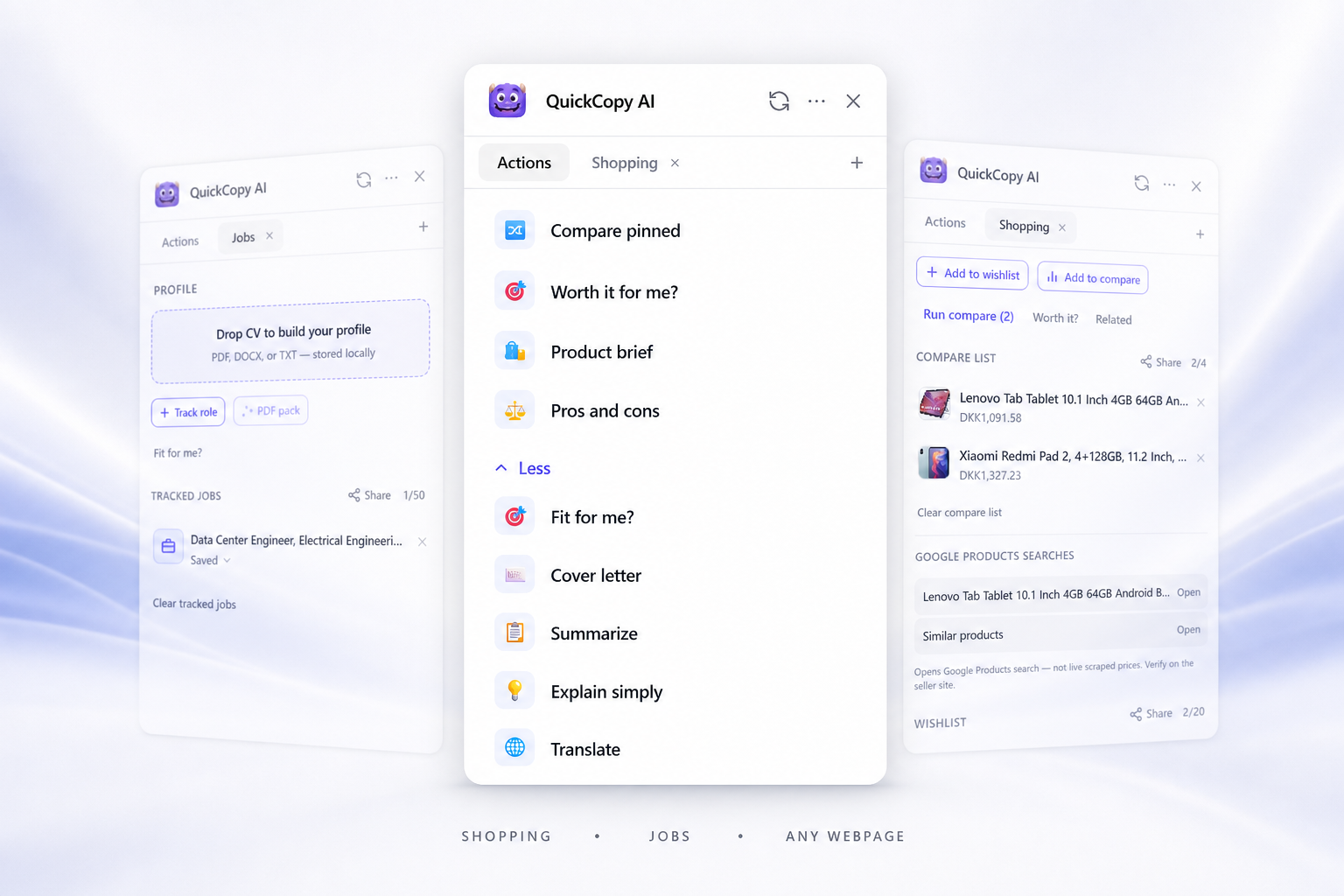
QuickCopy adapts its actions to shopping, job applications, Gmail, docs, chat, and every other site — like a helper that already knows where you are.
メール
QuickCopy は Gmail と Outlook のスレッド文脈を読み取り、丁寧/カジュアルな返信、要約、アクション項目を作成します。
Gmail · Outlook

ドキュメント/ノート
Google Docs、Notion、Confluence でトーンや明確さを調整。短縮、翻訳、段落の書き換えができます。
Google Docs · Notion · Confluence

チームチャット
Slack と Microsoft Teams で、状況に合ったトーンの返信を素早く作成します。
Slack · Microsoft Teams

SNS
投稿やコメントを書き換え、言い回しを整えて、あなたの文体を保ちます。
LinkedIn · X · Reddit

ショッピング
Amazon、eBay、Etsy などで、商品ブリーフやバランスの取れたメリット/デメリットを作成します。
Amazon · eBay · Etsy

Jobs
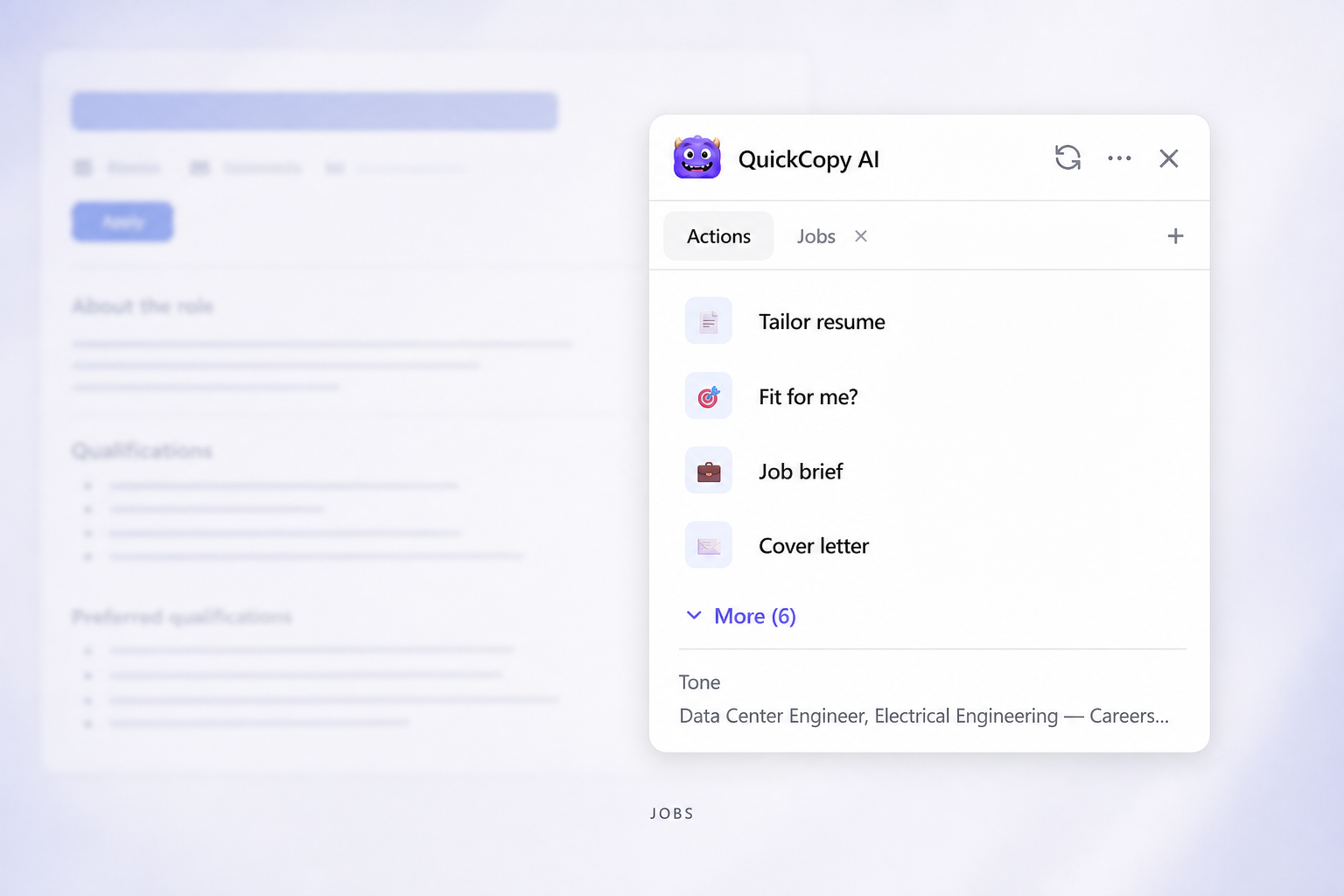
On LinkedIn and career sites — score fit against your profile, draft cover letters and tailored resumes, and keep applications organized in a shareable tracker.
LinkedIn · Indeed · Greenhouse
Web 全般
長文記事の要約、難しい段落の説明、選択範囲の翻訳。別アプリへのコピペは不要です。
任意のサイト

機能
最小限のボタンを常時表示。Ctrl+Shift+K でフルパネルを開きます。
テキストを選択して、軽量バーから説明・要約・翻訳を実行。
よく使う 3 アクションを Ctrl+Shift+1–3 に割り当て。
最近の結果を見返し、最初からやり直さずに再生成できます。
Go deeper: Shopping tools · Job tools
料金
Free
¥0 / 月
Pro20% お得
¥1,130 / 月
¥1,413/mo年払い ¥13,565
Chrome 拡張機能をインストールし、一度サインインするだけで、QuickCopy がすべてのページでお手伝いします。
FAQ